Book Formatting
How to Format a Copyright Page for Your Book (Amazon KDP Tutorial)
If you’re getting ready to publish your paperback on Amazon KDP, one of the most important pages in your front matter is your copyright page. This page tells readers who owns the rights to the book, how it can be used, where to send permission requests, and key publishing details like your ISBN. If you’ve…
Read MoreHow to Format Your Paperback in Word: Paragraph Indents and Spacing (KDP Tutorial)

When you’re formatting a paperback for Amazon KDP, paragraph indents and spacing matter more than most new authors realize. Even if your manuscript reads beautifully, inconsistent spacing or incorrect indents can instantly make a book look amateur in print. The good news? You don’t need expensive software to fix this. You can format your paperback…
Read MoreHow to Add Extra Chapters to the Amazon KDP Paperback Book Template
If you’ve ever tried formatting your paperback for Amazon KDP using one of their Microsoft Word templates, you’ve probably run into that moment—the one where you add a new chapter and suddenly your headers go weird, your page numbers vanish, or your whole layout looks weird. Trust me, you’re not alone. I’ve had so many…
Read MoreWhat Is Book Back Matter (and How It Can Help You Sell More Books)
When you think about writing a book, you probably picture drafting chapters, revising dialogue, or polishing your plot—not the pages that come after your story ends. But here’s the truth: Your book’s back matter is one of the most powerful marketing tools you have as an author. Yep. Those extra pages at the end of…
Read MoreHow to Format Your Print Book in Microsoft Word Using Amazon KDP Templates
Formatting your book for print can feel overwhelming—but it doesn’t have to be! Amazon KDP offers free Word templates that make the process of formatting your book to self-publish much smoother. In this step-by-step guide, I’ll walk you through exactly how to take your manuscript and polish it into a professional print-ready file using Microsoft…
Read MoreBleed vs. No Bleed in Amazon KDP | Book Formatting Explained for Authors
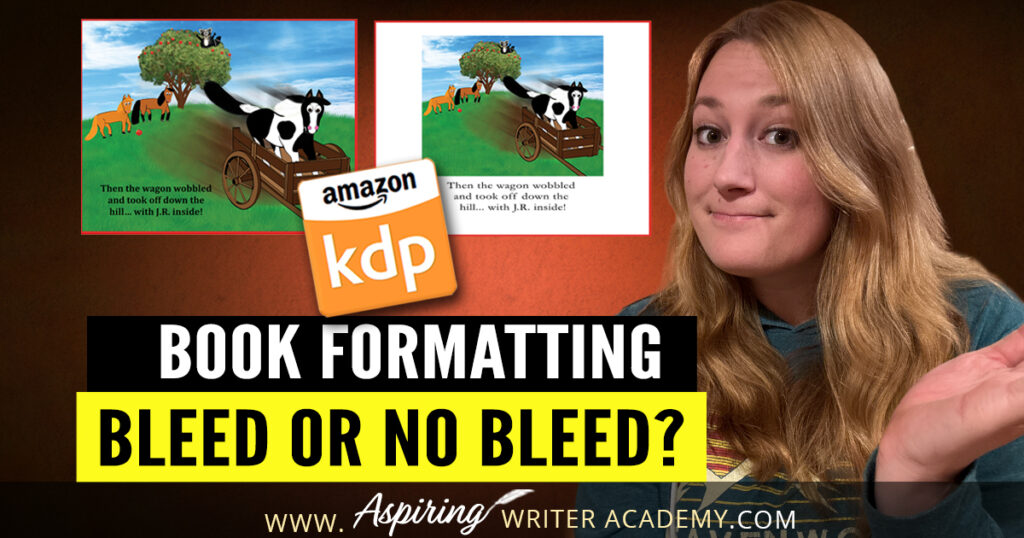
If you’re self-publishing on Amazon KDP, you’ve probably run into the question: Should I choose bleed or no bleed when uploading my book? This is one of those little details that can cause big formatting issues if you don’t select the right option. Don’t worry—I’ll break it down simply so you can choose confidently and…
Read MoreeBook Formatting in Microsoft Word: How to Style Your Manuscript with Proper Indents, Spacing, and Fonts for KDP
Formatting your manuscript properly is a crucial step before self-publishing on Amazon KDP. If you skip this part or do it incorrectly, your ebook might end up looking messy and unprofessional—which can lead to negative reviews and lost sales. The good news? You can easily style your manuscript in Microsoft Word to get it Kindle-ready.…
Read MoreWhy Fiction Authors Need to Order Proof Copies Before Publishing
Before hitting ‘publish’ on Amazon, it’s crucial to review a proof copy of your self-published book. This sample helps you catch any issues with the cover or interior pages, ensuring everything looks perfect for your readers. In this post, Why Fiction Authors Need to Order Proof Copies Before Publishing, we’ll explore the essential checks to make…
Read MoreHow To Clean Up All Markup And Comments In Word Before Uploading To Amazon KDP
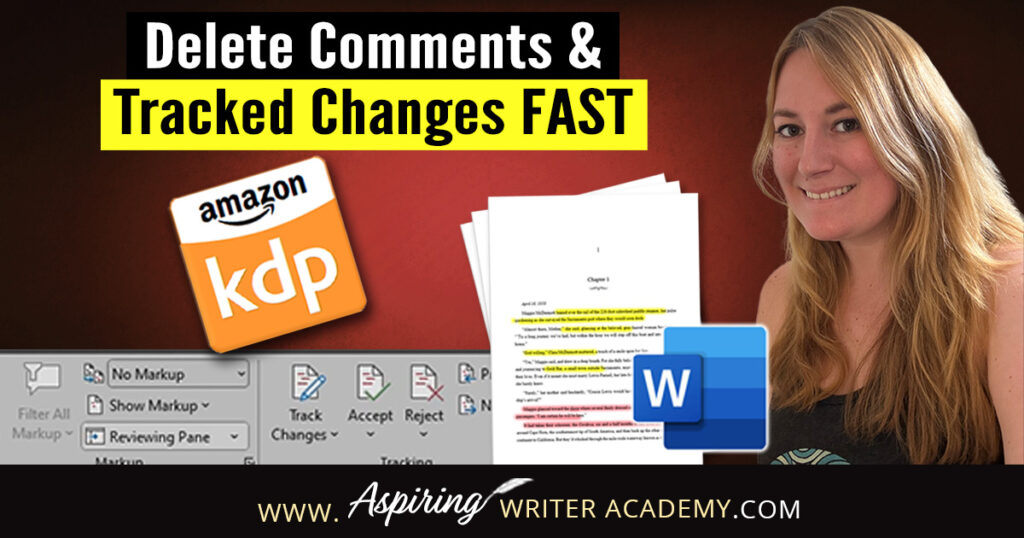
Publishing your eBook to Amazon KDP? Before you click that final upload button, there’s one important cleanup step you don’t want to skip—removing all the leftover markup, comments, and tracked changes from your Word document. Whether you’ve worked with an editor, shared your manuscript with beta readers, or just used Word’s Track Changes feature yourself,…
Read MoreeBook Formatting: How to Properly Indent Paragraphs in Microsoft Word for Amazon KDP
If you’re preparing to self-publish a book on Amazon KDP, formatting matters more than you might think—especially when it comes to indenting your paragraphs. In this quick tutorial, I’ll show you how to properly format paragraph indents in Microsoft Word so your manuscript looks clean, professional, and Kindle-ready. Watch the video tutorial below or follow…
Read MoreHow to Create a Clickable Table of Contents in Microsoft Word for Self-Publishing Your eBook
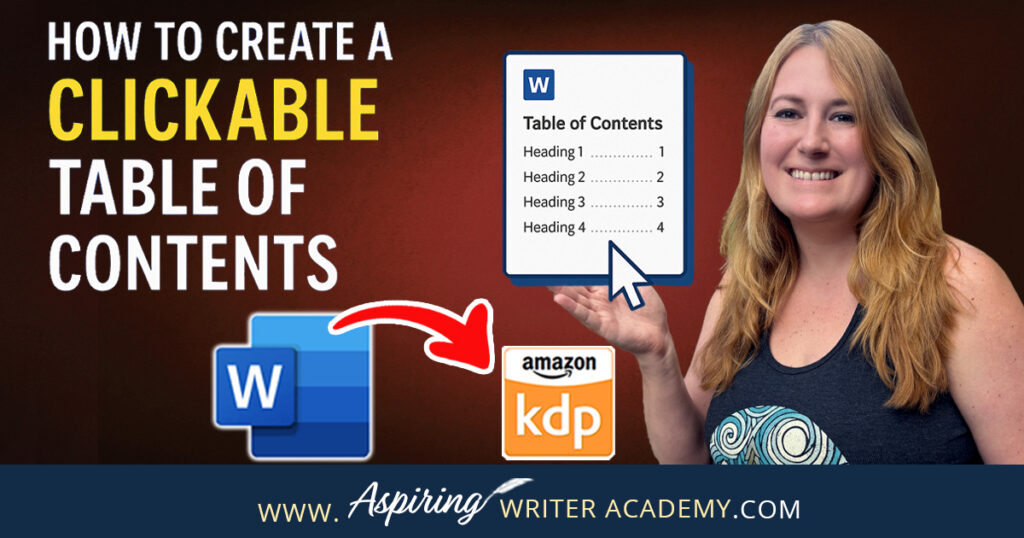
📚 Self-publishing an eBook on Amazon KDP? A clickable Table of Contents is a must-have! It improves navigation, boosts your book’s professionalism, and meets KDP formatting standards. In this step-by-step guide, I’ll show you exactly how to create a clickable TOC in Microsoft Word—no tech skills needed. Learn how to format headings, insert your TOC, and update it as you edit. Make your book shine! ✨
Read MoreWhat Is RGB and CMYK? What Every Children’s Book Illustrator Should Know
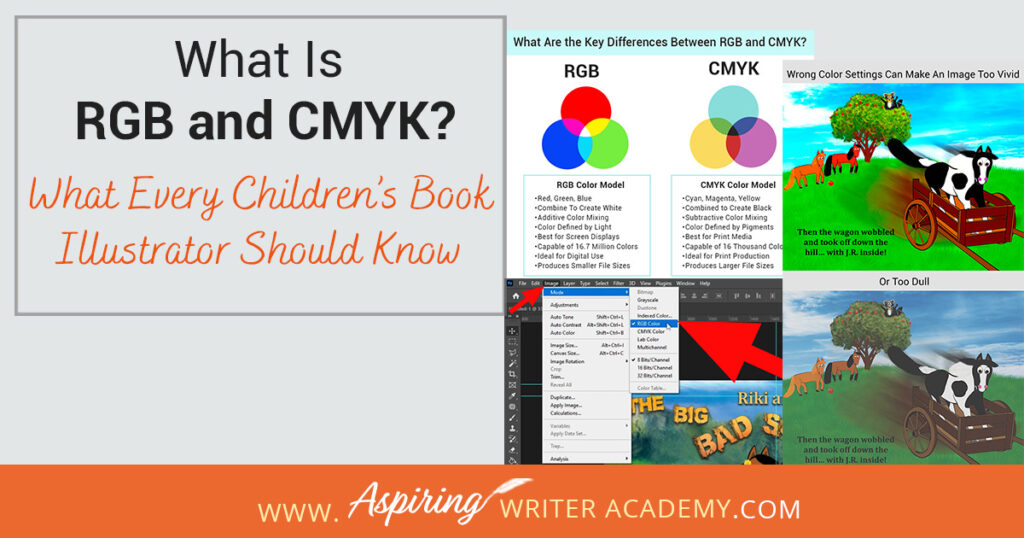
As a children’s book illustrator, mastering RGB and CMYK color models is essential for creating stunning eBooks and print books. Learn the key differences between these color modes and how to choose the right one for your project. Discover how understanding RGB and CMYK can help you ensure your illustrations look their best, whether they’re on screen or in print. Dive into this guide to enhance your art for every format!
Read More