Brainstorm Your Novel Fast (FREE Story Idea Worksheet for Writers)
Have you ever had a story idea floating around in your head… but you weren’t sure how to turn it into an actual plot? Or maybe you want to write a book, but you feel stuck before you even start. Good news — brainstorming your story doesn’t have to be overwhelming. We created a FREE…
Read MoreHow to Balance Real-Life Events With Your Fiction Using a Story Timeline
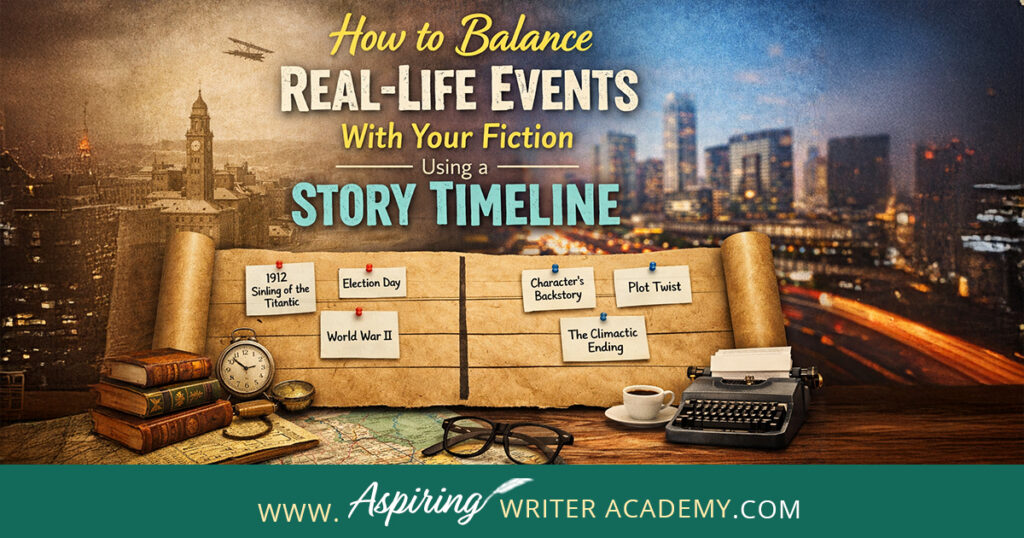
Have you ever been deep into writing your novel, only to pause and think, “Wait… didn’t this happen two weeks ago?” Or maybe a character seems out of place because something in the real world should have affected them, but it didn’t. You’re not alone — keeping your story consistent while weaving in real-world events…
Read MoreHow to Format Your Book Back Matter for Amazon KDP (Step-by-Step Tutorial)
When you think about publishing your book, most authors focus on the story itself—but what happens after the last chapter can be just as important. Your back matter is the part of your book that helps you connect with readers, promote your other work, and grow your long-term audience. Done right, it’s a powerful marketing…
Read MoreHow to Use a Story Collage to Brainstorm, Write, and Promote Your Book
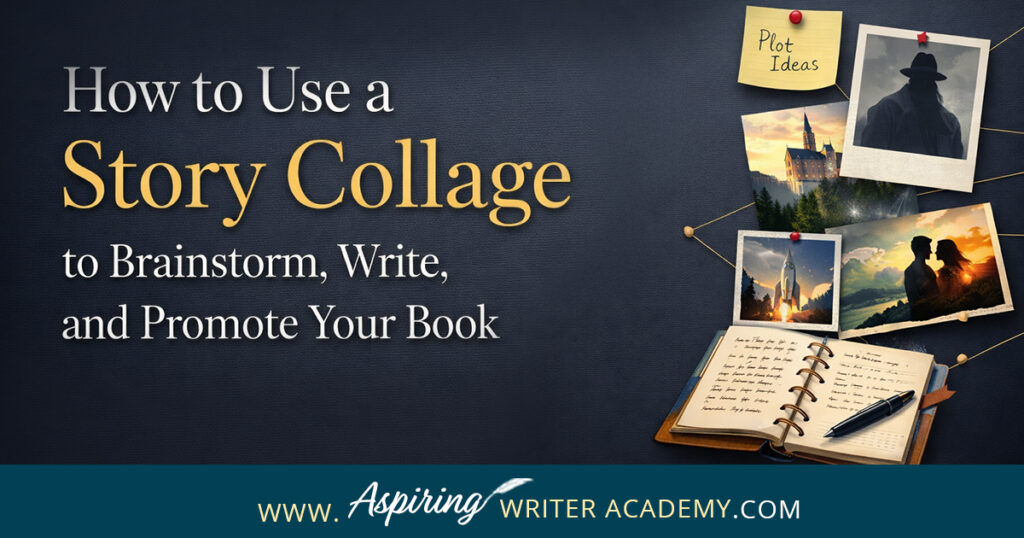
When you first start a new story, you don’t always have everything figured out—and that’s normal. Maybe you have a vague idea of a character, a single scene you can’t stop thinking about, or just a strong sense of place. What you don’t have yet is the full picture. That’s where a story collage comes…
Read MoreHow to Make Each Chapter Start on a Right-Hand Page in Microsoft Word | Print Book Formatting
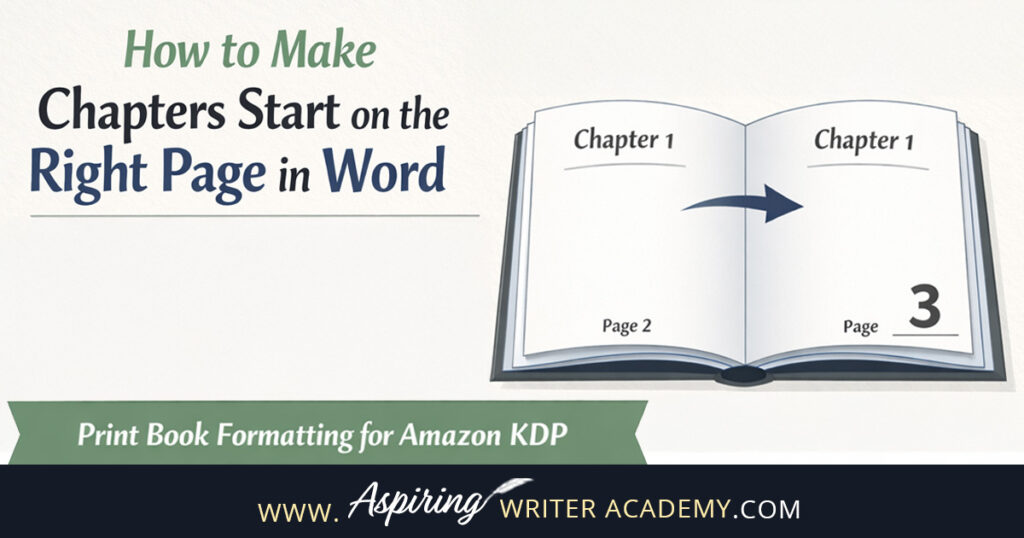
One of the quickest ways a self-published book can look unprofessional is inconsistent chapter starts. If some chapters begin on the right-hand page and others start on the left, it immediately signals that the book wasn’t properly formatted for print. The good news? This is an easy fix in Microsoft Word once you understand how…
Read MoreHow to Create a Plot Map for Your Fictional Story
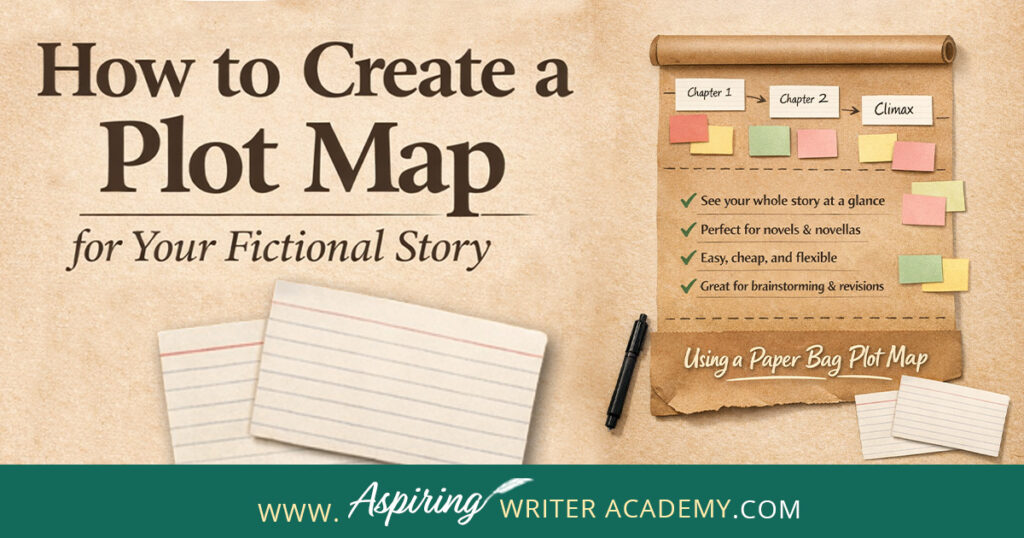
What is a plot map? While many writers brainstorm story ideas using connected bubbles or bullet lists, we’ll show you how to create a more dynamic plot map that offers a full visual outline of your story—using a simple paper bag! In How to Create a Plot Map for Your Fictional Story, we explore the…
Read MoreHow to Format a Copyright Page for Your Book (Amazon KDP Tutorial)
If you’re getting ready to publish your paperback on Amazon KDP, one of the most important pages in your front matter is your copyright page. This page tells readers who owns the rights to the book, how it can be used, where to send permission requests, and key publishing details like your ISBN. If you’ve…
Read MoreHow to Format Your Paperback in Word: Paragraph Indents and Spacing (KDP Tutorial)

When you’re formatting a paperback for Amazon KDP, paragraph indents and spacing matter more than most new authors realize. Even if your manuscript reads beautifully, inconsistent spacing or incorrect indents can instantly make a book look amateur in print. The good news? You don’t need expensive software to fix this. You can format your paperback…
Read MoreHow to List Your Book in a Goodreads Giveaway (Step-by-Step for Authors)

Running a Goodreads giveaway is one of the easiest ways to get your book in front of new readers—especially readers who already love discovering new books. While Goodreads giveaways aren’t a magic switch for instant sales, they can help boost visibility, add your book to readers’ shelves, and build early buzz. In this post, you’ll…
Read MoreDon’t Show Up Unprepared! What Authors Should Bring to a Book Signing
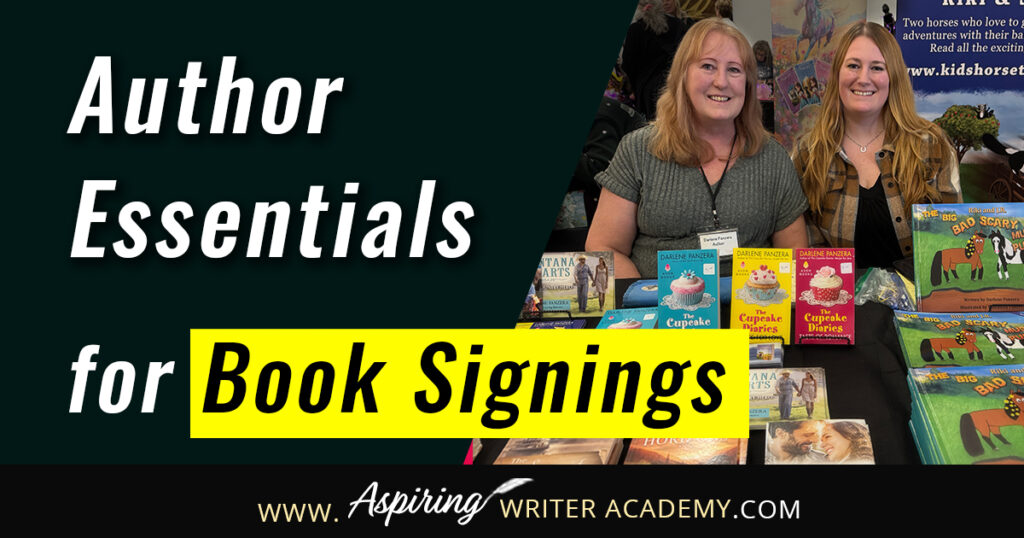
What to Bring to a Book Signing: Author Essentials You Don’t Want to Forget If you’re preparing for your first (or next!) book signing, you might be wondering what exactly you should bring with you. Book signings are exciting, but they’re also a lot of work—and having the right tools can make the entire experience…
Read MoreHow to Add Extra Chapters to the Amazon KDP Paperback Book Template
If you’ve ever tried formatting your paperback for Amazon KDP using one of their Microsoft Word templates, you’ve probably run into that moment—the one where you add a new chapter and suddenly your headers go weird, your page numbers vanish, or your whole layout looks weird. Trust me, you’re not alone. I’ve had so many…
Read MoreWhat Is Book Back Matter (and How It Can Help You Sell More Books)
When you think about writing a book, you probably picture drafting chapters, revising dialogue, or polishing your plot—not the pages that come after your story ends. But here’s the truth: Your book’s back matter is one of the most powerful marketing tools you have as an author. Yep. Those extra pages at the end of…
Read MoreHow to Format Headers and Page Numbers in Microsoft Word (Beginner’s Guide for KDP Print Books)
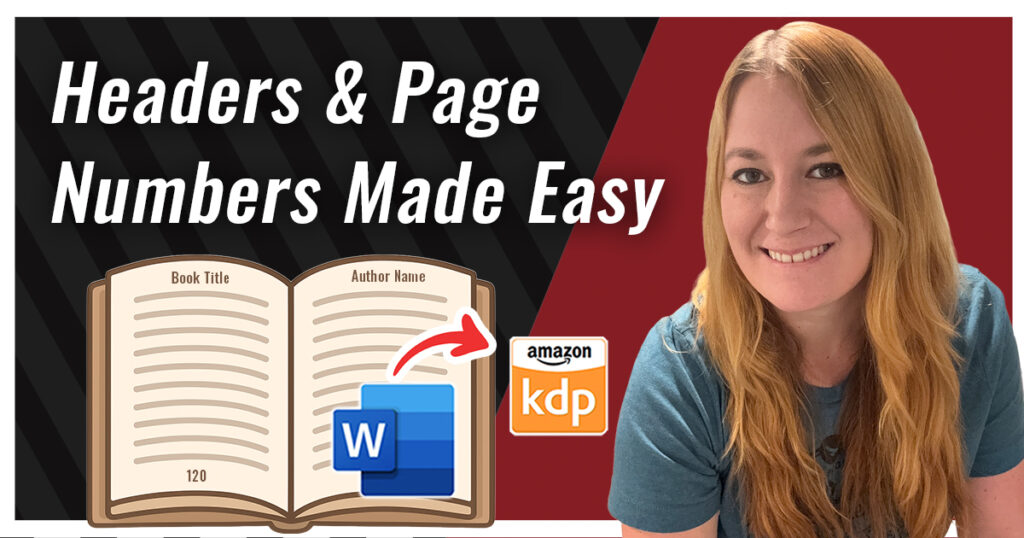
Formatting your print book for Amazon KDP can feel intimidating at first—especially when it comes to those tricky headers and page numbers. But once you understand how it works, it’s actually pretty simple! In this tutorial, I’ll walk you step-by-step through how to format headers and page numbers in Microsoft Word using Amazon’s KDP paperback…
Read MoreHow to Write a Scene Goal in Fiction Writing
How to Write a Scene Goal in Fiction Writing Writing a novel isn’t just about having a plot—it’s about understanding what your characters want and why. Every scene should bring your character closer to achieving their ultimate goal. One of the key tools professional writers use to do this is a scene goal, which helps…
Read MoreWhy Every Writer Should Go to a Writing Conference (and What to Expect!)
Ever wonder if attending a writing conference is really worth it? Author Darlene Panzera says absolutely — and after attending the Southwest Washington Writers Conference, she’s sharing exactly what to expect, what to pack, and how conferences can help launch your writing career. What to Pack for a Writing Conference Packing might sound simple, but…
Read MoreHow to Format Your Print Book in Microsoft Word Using Amazon KDP Templates
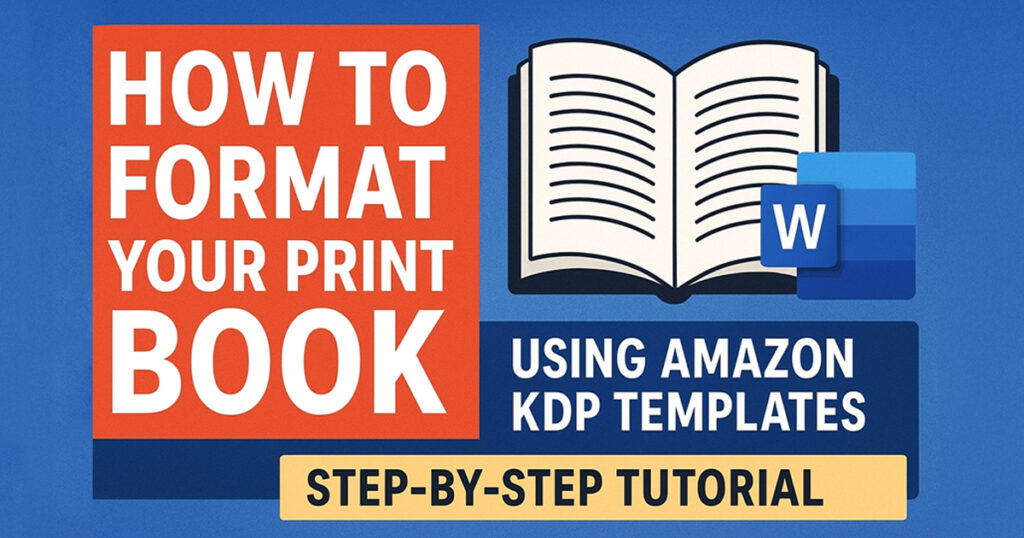
Formatting your book for print can feel overwhelming—but it doesn’t have to be! Amazon KDP offers free Word templates that make the process of formatting your book to self-publish much smoother. In this step-by-step guide, I’ll walk you through exactly how to take your manuscript and polish it into a professional print-ready file using Microsoft…
Read MoreHow to Structure a Scene That Keeps Readers Hooked: Scene & Sequel
Ever wondered why some stories grab your attention and never let go, while others feel flat or aimless? The secret often lies in how each scene is structured — and how well it flows into the next. In this video, author Darlene Panzera (who’s written over 16 books, both traditionally and self-published) breaks down the…
Read MoreAmazon KDP Formatting: How to Delete Tabs in Word for a Clean Manuscript
If you’re self-publishing on Amazon KDP, formatting your manuscript correctly is a big deal. One common issue that trips up new authors? Using the Tab key to indent paragraphs. While tabs might look fine in a regular Word document, they can cause major problems when your book is converted to Kindle format. Weird spacing, uneven…
Read MoreHow to Defend the Copyright of Your Fictional Novel

Looking to protect your rights as an author? Wondering if you should copyright your fiction novel and how to prevent others from stealing it? In How to Defend the Copyright of Your Fictional Novel, learn straightforward ways to protect your work from theft and piracy. Discover how to confidently defend your creative rights and keep…
Read MoreBleed vs. No Bleed in Amazon KDP | Book Formatting Explained for Authors
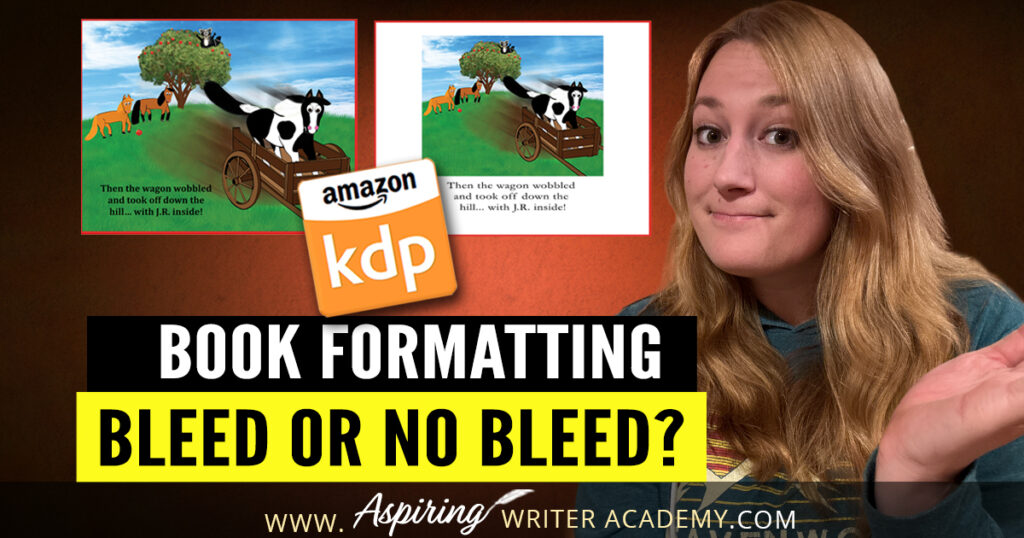
If you’re self-publishing on Amazon KDP, you’ve probably run into the question: Should I choose bleed or no bleed when uploading my book? This is one of those little details that can cause big formatting issues if you don’t select the right option. Don’t worry—I’ll break it down simply so you can choose confidently and…
Read MoreeBook Formatting in Microsoft Word: How to Style Your Manuscript with Proper Indents, Spacing, and Fonts for KDP
Formatting your manuscript properly is a crucial step before self-publishing on Amazon KDP. If you skip this part or do it incorrectly, your ebook might end up looking messy and unprofessional—which can lead to negative reviews and lost sales. The good news? You can easily style your manuscript in Microsoft Word to get it Kindle-ready.…
Read MoreWhy Fiction Authors Need to Order Proof Copies Before Publishing
Before hitting ‘publish’ on Amazon, it’s crucial to review a proof copy of your self-published book. This sample helps you catch any issues with the cover or interior pages, ensuring everything looks perfect for your readers. In this post, Why Fiction Authors Need to Order Proof Copies Before Publishing, we’ll explore the essential checks to make…
Read MoreHow to Find Time to Write—Even with a Busy Schedule
Let’s face it—finding time to write is one of the biggest challenges for writers. Life gets busy. There are always errands to run, kids to take care of, appointments to attend, and those unexpected things that pop up and throw your whole day off track. You might start your day with the best intentions: “Today,…
Read MoreWhy Writers Need a Clear Plan (Especially When Life Gets Busy)

Hi, I’m Darlene Panera from Aspiring Writer Academy, and if you’re anything like me, you’ve probably experienced those chaotic moments when life throws everything at you at once. Whether it’s coming back from a vacation, juggling appointments, or just trying to get back into your writing groove, having a clear plan can make all the…
Read MoreHow to Find Great Story Ideas for Your Fictional Novel

As a writer, inspiration for compelling stories can be found all around you—if you know where to look. The world is teeming with ideas just waiting to be discovered. Whether it’s news stories, your favorite hobbies, personal experiences, or even places you’ve traveled, there are endless sources of inspiration right at your fingertips. In How…
Read MoreHow To Clean Up All Markup And Comments In Word Before Uploading To Amazon KDP
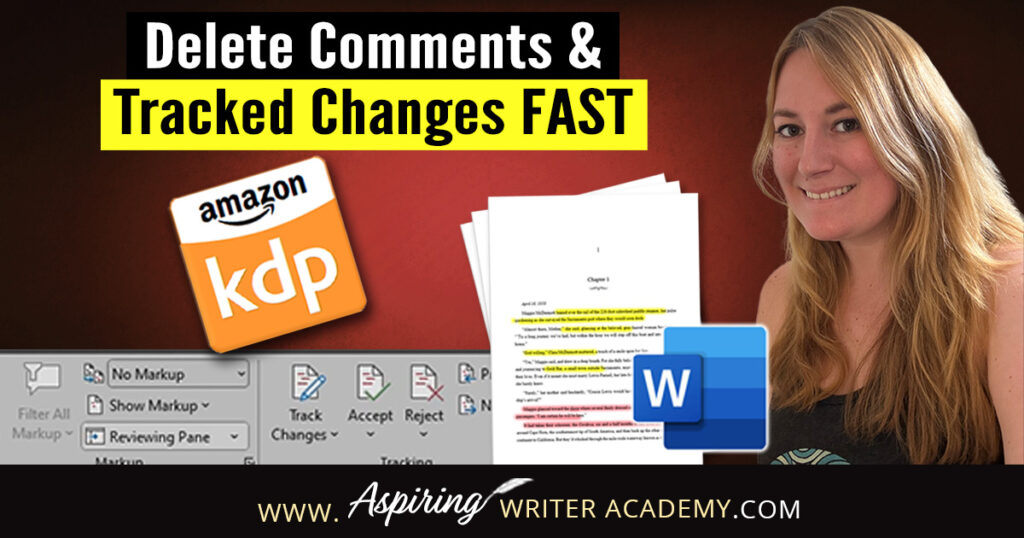
Publishing your eBook to Amazon KDP? Before you click that final upload button, there’s one important cleanup step you don’t want to skip—removing all the leftover markup, comments, and tracked changes from your Word document. Whether you’ve worked with an editor, shared your manuscript with beta readers, or just used Word’s Track Changes feature yourself,…
Read MoreeBook Formatting: How to Properly Indent Paragraphs in Microsoft Word for Amazon KDP
If you’re preparing to self-publish a book on Amazon KDP, formatting matters more than you might think—especially when it comes to indenting your paragraphs. In this quick tutorial, I’ll show you how to properly format paragraph indents in Microsoft Word so your manuscript looks clean, professional, and Kindle-ready. Watch the video tutorial below or follow…
Read MoreFrom Idea to Novella, the Inspiration Behind Writing, Golden Horizons | Author Chat with Darlene Panzera
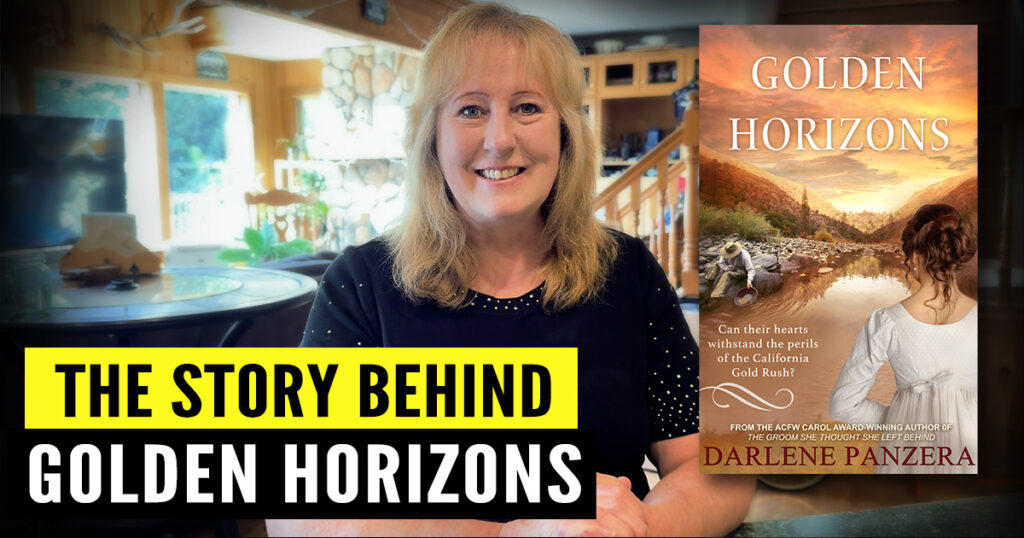
Go behind the scenes and learn how award-winning author, Darlene Panzera, developed her Christian historical romance novella, Golden Horizons—from initial spark to completed manuscript. This post is especially for fellow writers and aspiring authors who want to see how a published novella comes together. We’ll cover idea development, collaborative proposals, character building, historical research, adding…
Read MoreWho We Are & Why We Created Aspiring Writer Academy
Welcome to Aspiring Writer Academy! We’re so glad you’re here. Whether you’re just starting to dream about writing a book or you’ve already published and want to take your writing career to the next level, you’re in the right place. In this post, we’ll introduce ourselves and share the story behind how Aspiring Writer Academy…
Read MoreHow to Create a Clickable Table of Contents in Microsoft Word for Self-Publishing Your eBook
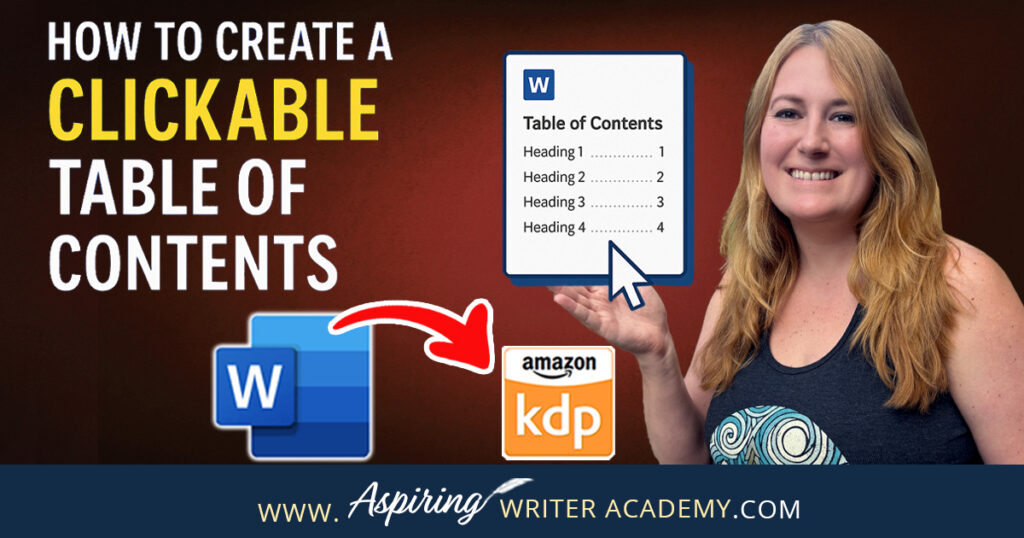
📚 Self-publishing an eBook on Amazon KDP? A clickable Table of Contents is a must-have! It improves navigation, boosts your book’s professionalism, and meets KDP formatting standards. In this step-by-step guide, I’ll show you exactly how to create a clickable TOC in Microsoft Word—no tech skills needed. Learn how to format headings, insert your TOC, and update it as you edit. Make your book shine! ✨
Read More